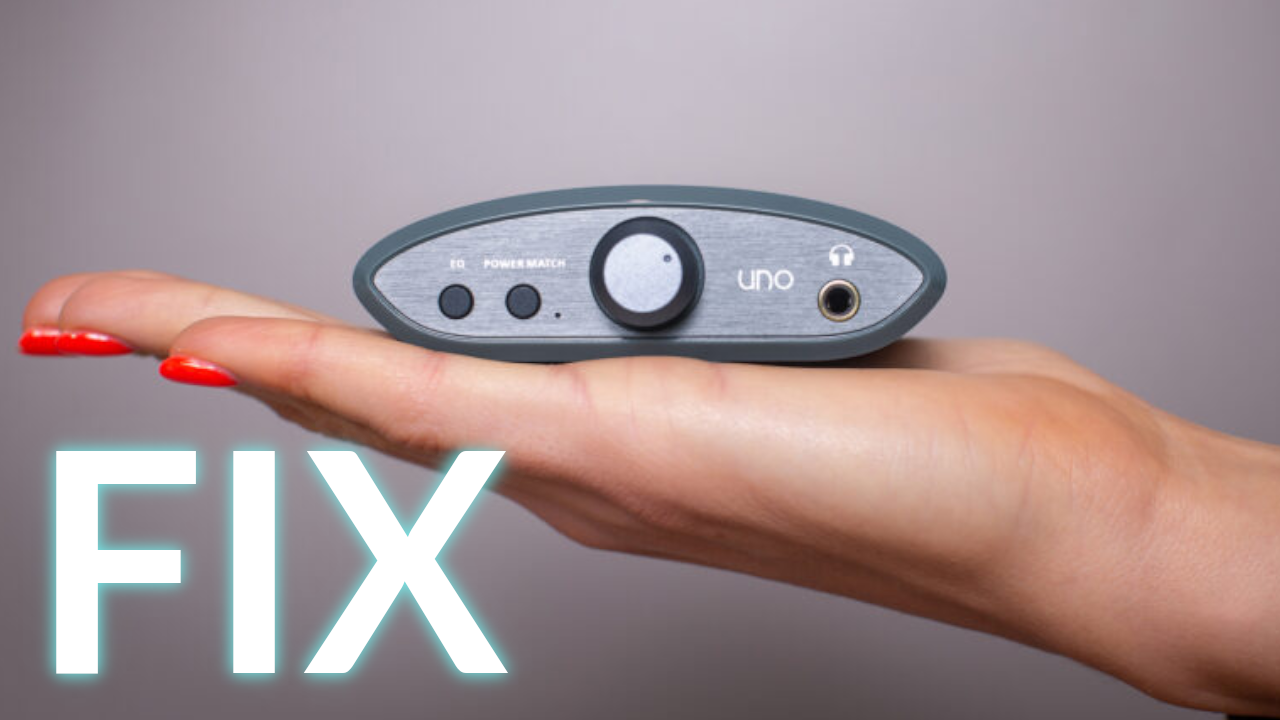
If you are experiencing issues with your iFi Uno DAC, especially audio cutting out randomly for a split second with a pop in your headphones, you aren’t alone. I recently fixed mine and documented the process.
Tools Required
- Soldering iron
- 2mm hex key screwdriver
- 1.5mm hex key screwdriver
- A pair of pliers
- Side cutters
Components required
- 47μF - 220μF 6.3V (or higher) electrolytic capacitor
The issue
Ever since I bought the DAC from my friend, there were some random pops happening while playing audio. My friend actually reduced the issue by using a high quality USB 3.0 cable before he moved to a different DAC, but for me the changing cables didn’t help. I noticed this was happening mostly while actually doing stuff on the computer, and less when it was idle, so I figured it must be either something driver related, or simply a power issue.
I have searched the internet to check if any other users were having a similar issue, and this proved to be quite a common one. Unfortunately none of the webpages I visited suggested a fix. From what I could find, the issue is known by ifi and “they were working on fixing it”, and the suggested solution was to change the cables and reinstall the drivers. Unfortunately, neither solution has worked for me, so I decided to take a look inside to see if there’s anything that prove my unstable power theory.
Step 1: Disassembly
There are three hex key screws on the back that you need to unscrew. One of them at the top is for a 2mm socket, and the two other are for a 1.5mm socket.
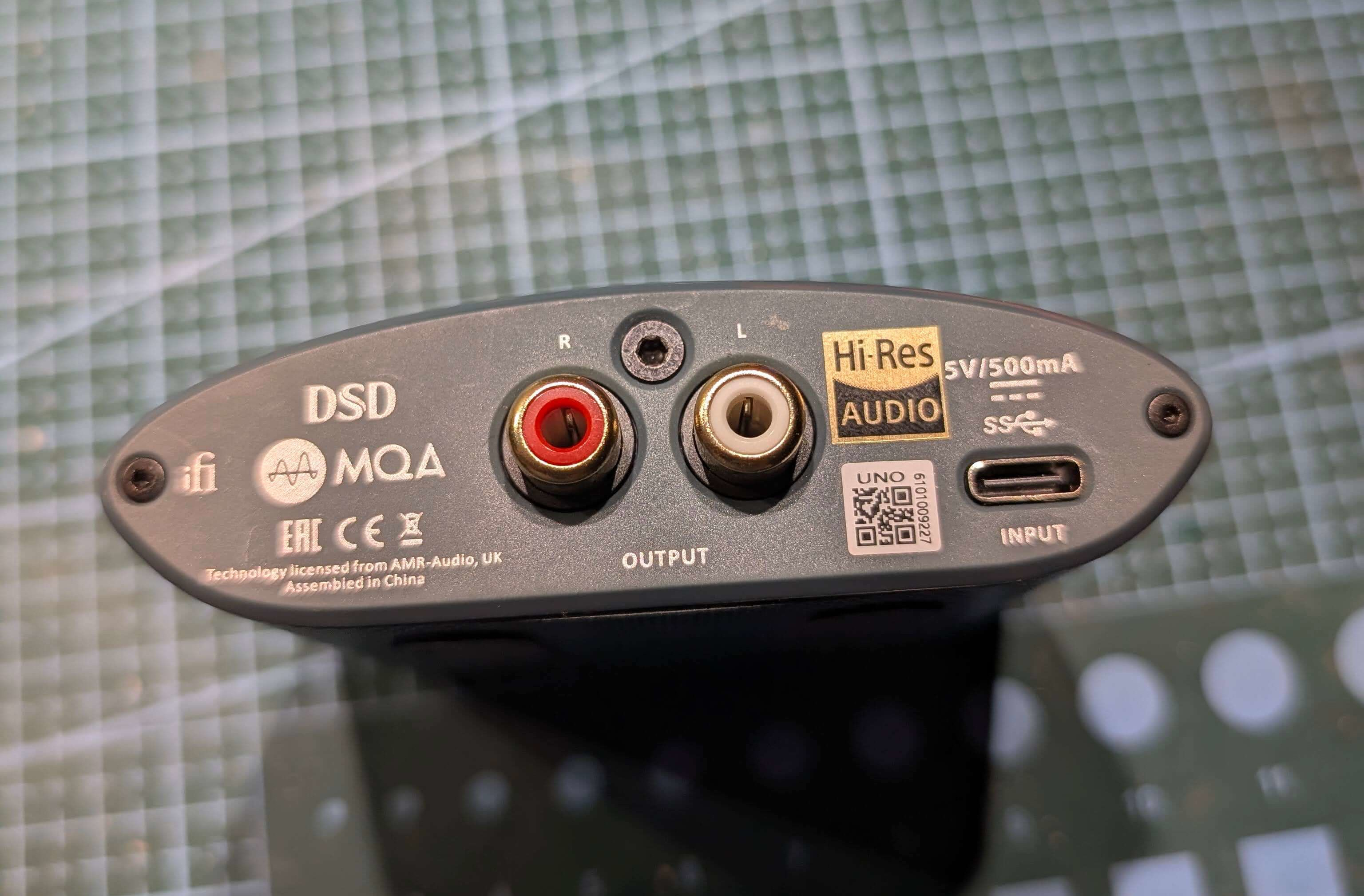 Figure 1: Why did they use two separate screw sizes?
Once you’re done with those, you also need to take off the volume knob that hides a potentiometer knob with a nut. The knob is push-fit, so it may take some force to get out. For unscrewing the nut you can just use a pair of pliers.
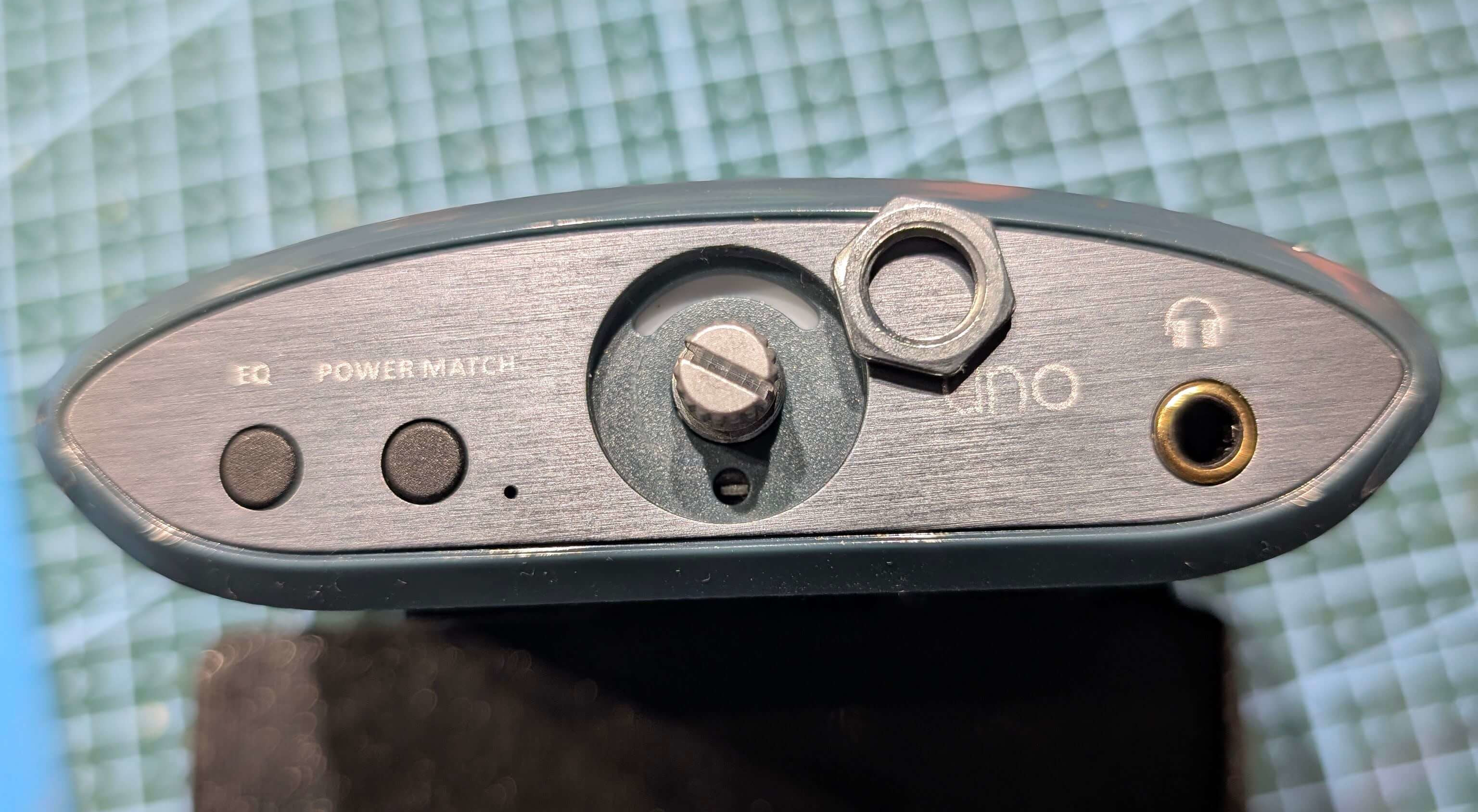 Figure 2: Front of the ifi Uno with the knob and nut removed.
The board should come out nicely from the back once you’re done.
Step 2: The fix
After taking the board out, I have inspected the PCB. The build quality seems very high. A lot of passive components on both sides and a few chips. I didn’t go into detail studying each one, instead I took a multimeter and measured the voltages on all electrolytic caps. I have found the board operates on three voltages: 5V and 3.3V & 1.8V generated internally.
While measuring, I turned my eye onto an unpopulated place for an electrolytic capacitor next to the volume potentiometer. Measuring the voltage on those pins, it looked like it’s related to the 5V rail and this was the only place on the board without an electrolytic capacitor, so I figured it may be a possible culprit.
I grabbed a random 47μF capacitor rated at, I believe, 16V (anything higher than 6.3V will work) and soldered it in place of the missing component, making sure the polarity matched (+ on the board is the positive, and the side with black — stripes on the capacitor is negative).
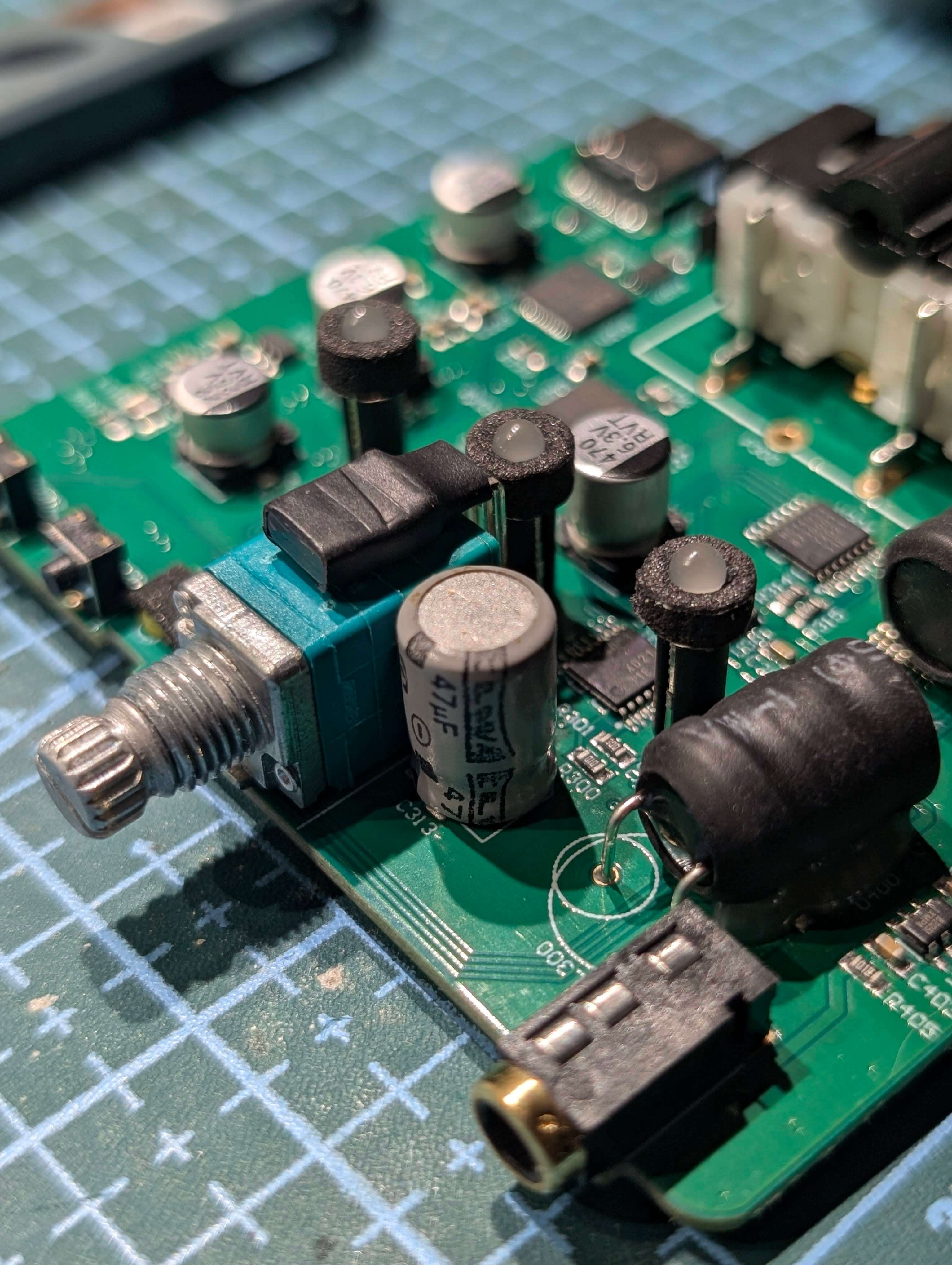 Figure 3: A 47μF capacitor soldered in the missing spot.
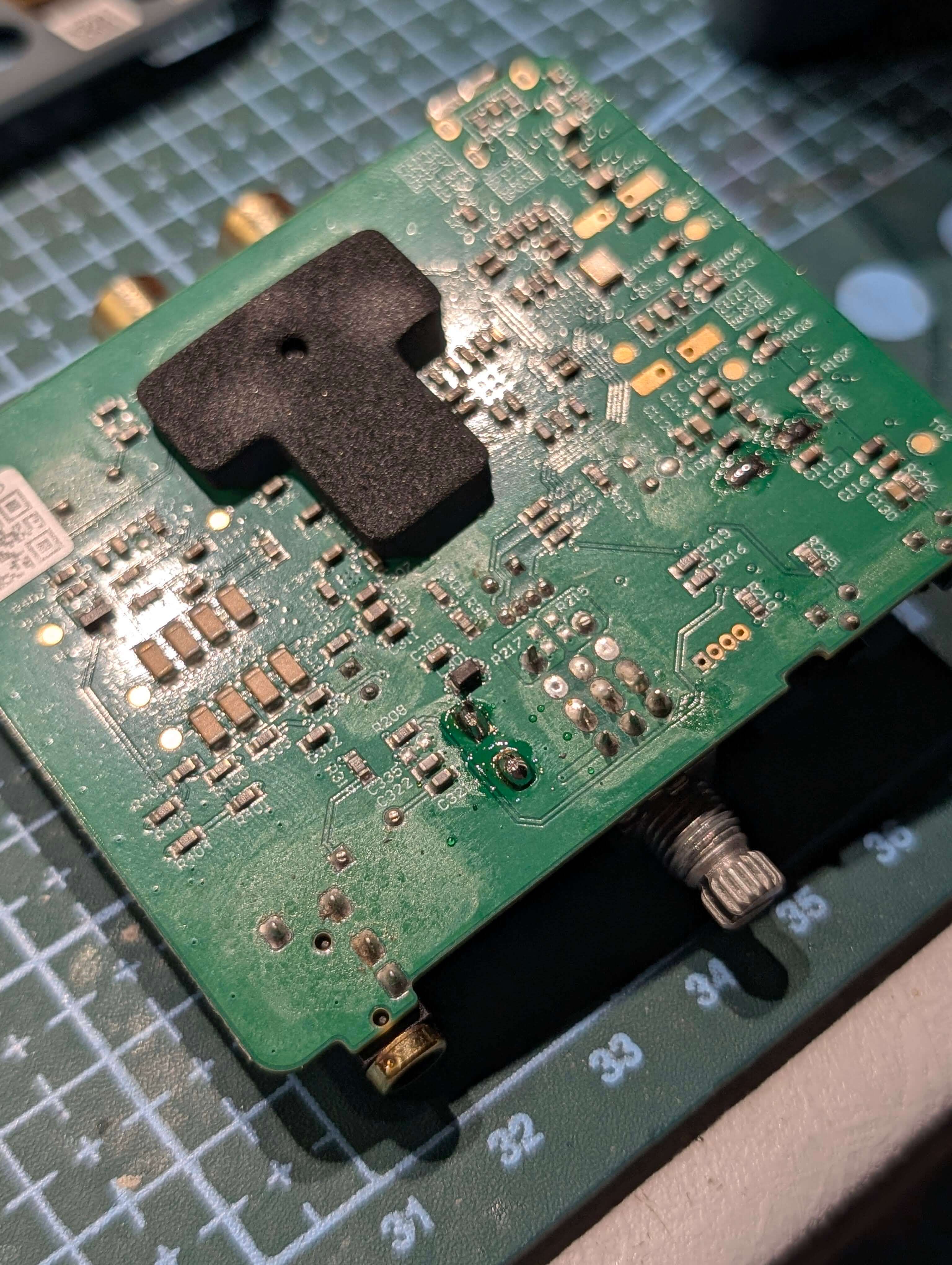 Figure 4: Back side of the PCB after soldering.
Step 3: The tests
Having soldered the “missing” capacitor, I put back everything into the housing and connected the DAC to my PC and headphones. Not expecting much, I started playing some audio like I usually do, and surprisingly, the issue seems to have been fixed!. I have been using the DAC for over 3 days now with the fix and I haven’t heard a split second of dropped audio or a pop.
Conclusion
Whether it was a cost saving measure or a production oversight, it looks like adding a capacitor seems to, at least for me, fix the random pops coming out from the ifi Uno DAC. If you have issues with your own, give this mod a try. The only thing you really need is some basic soldering experience and an electrolytic capacitor that will fit.
Thank you for reading this blog post!
Cheers,
Robert
